Beyond the spreadsheet, pre-orders have become an operational control point. In the UK, 87% of customers place food orders online at least once a month, according to National Restaurant Association data cited here, and that changes what guests expect from restaurants, hotels, and event venues. Manual spreadsheets can't keep up when one booking includes seat plans, drink choices, dietary notes, and allergen risk.
They also create waste. Operational reviews of automated pre-order flows point to around a 20% reduction in food waste when venues procure against confirmed guest choices rather than guesswork, as noted in this review of pre-ordering benefits. For operators trying to improve both margin and compliance, that matters.
A proper pre-order management system for restaurants now does more than collect menu choices. It reduces admin, supports allergen handling, and gives service teams cleaner information before guests arrive. If you're focused on boosting restaurant profits and guest experience, these are the platforms worth shortlisting for 2026.
Table of Contents
- 1. Creventa
- 2. ResDiary
- 3. Slerp
- 4. Flipdish
- 5. Yoello
- 6. Tock
- 7. QikServe incl. Preoday
- Top 7 Restaurant Pre-Order Systems Comparison
- How to Choose the Right Pre-Order System for Your Venue
1. Creventa
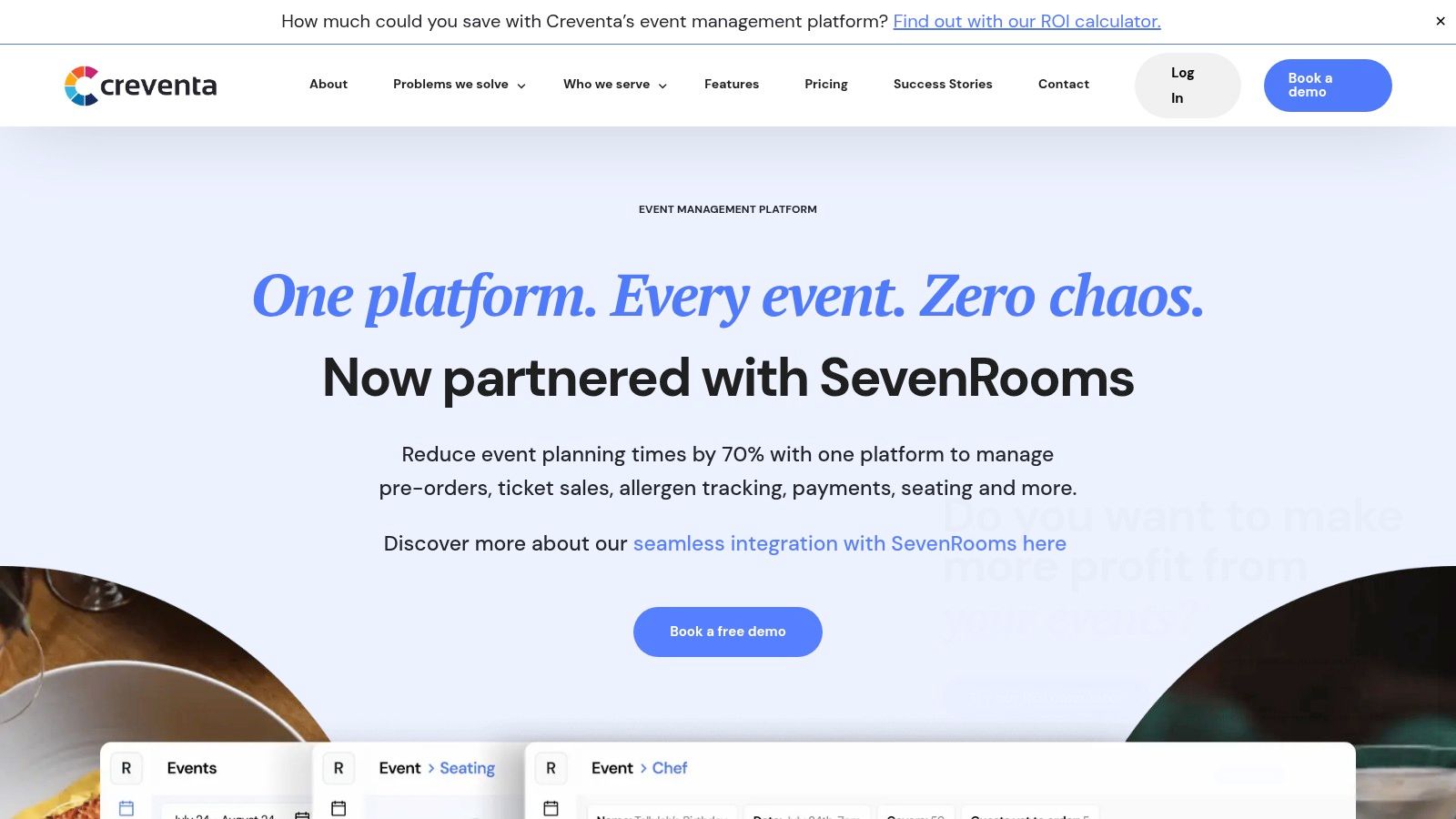
Large group bookings create more failure points than standard restaurant pre-orders. One organiser changes a starter count, a guest adds a nut allergy late, the seating plan shifts, and three departments end up working from different versions. Creventa is built for that operating model.
It suits hotels, event venues, stadiums, golf clubs, and restaurant groups that manage private dining, banqueting, weddings, and corporate functions. The platform handles guest-by-guest food choices, dietary requirements, drink pre-orders, deposits, table planning, and service paperwork in one workflow. For teams trying to graduate from shared spreadsheets and email trails, that matters more than having another guest-facing ordering page.
Why it stands out
Creventa's value is operational. Guest selections do not just sit in a dashboard. They turn into chef reports, food pass sheets, front of house reports, and place cards without retyping the booking by hand. That cuts admin time, but the bigger gain is control. Kitchen, events, and service teams work from the same dataset instead of rebuilding the function from scratch.
Allergen handling is another clear strength. The system captures the 14 mandatory allergens plus custom dietary notes at guest level, which is the level that matters in real event service. Venues that need a cleaner process for collecting guest allergens automatically before service will find that more useful than generic dietary tick boxes attached only to the main booking.
Practical rule: If the final BEO or chef sheet still depends on someone cleaning up spreadsheet notes the night before, the process is still exposed.
There is also a commercial upside. Creventa supports advance beverage ordering and gives operators a better shot at locking in pre-arrival spend before the guest is on site. Combined with tighter food counts, that can improve purchasing accuracy and reduce overproduction for large functions.
Verdict
Creventa is a strong fit for venues where pre-orders are tied to seating plans, BEO accuracy, allergy visibility, and cross-department execution. It is less about simple takeaway ordering and more about replacing fragile event admin with a system built for high-stakes group dining. The trade-off is straightforward. Pricing is not public, so evaluation starts with a demo rather than a quick self-serve trial.
2. ResDiary
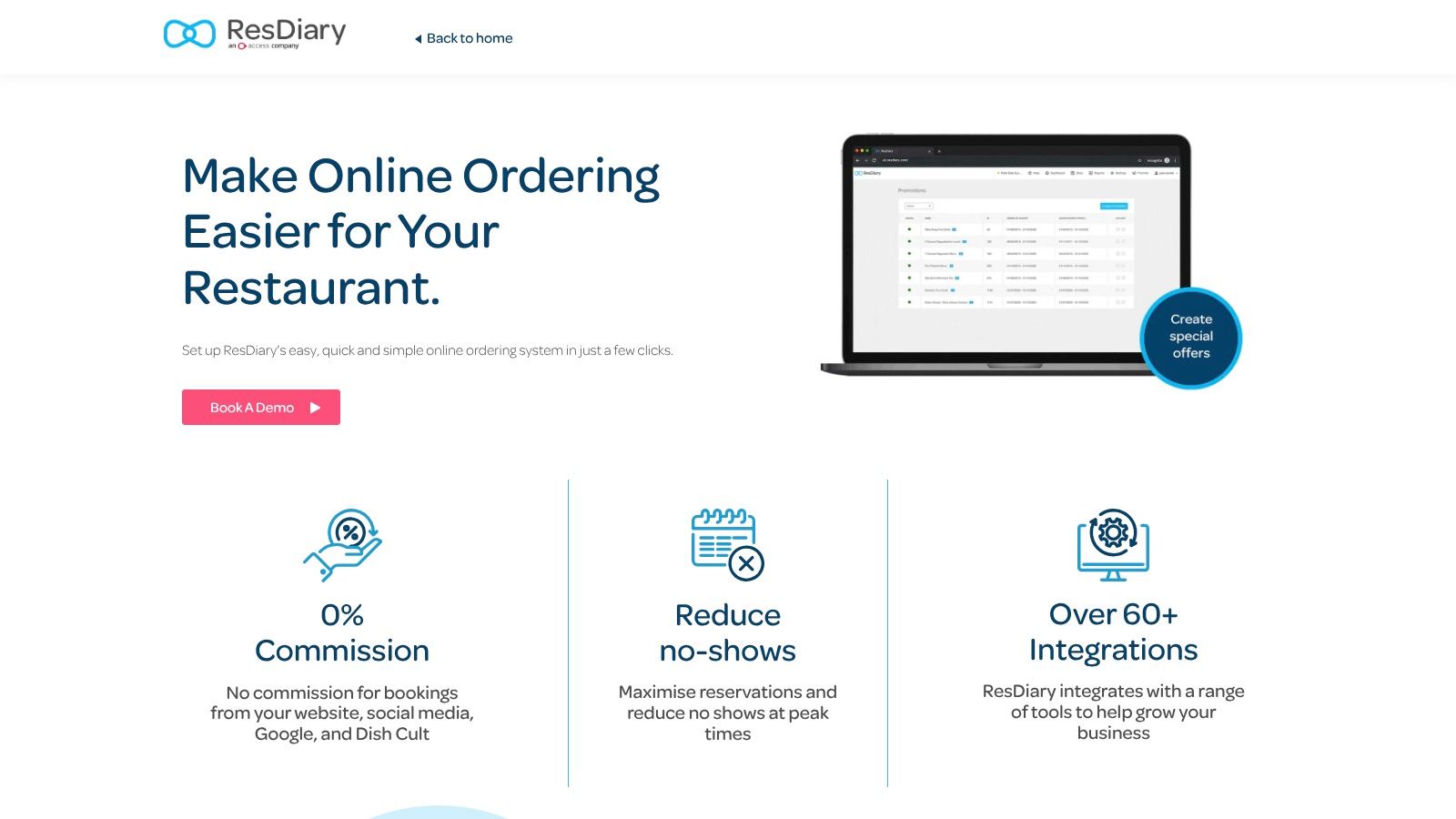
ResDiary makes sense if your venue already runs heavily through reservations. It's UK-founded, widely used, and its Pre-Orders module is a natural extension of table bookings rather than a separate ordering stack.
That means guests can attach set menu or à la carte selections to bookings, with dietary markers and reminder emails built into the journey. For restaurant groups, pubs, and private dining teams, that's often easier to manage than stitching together a booking system and a separate pre-order tool.
Where it fits best
ResDiary is strongest when bookings are the centre of the operation. It handles pre-orders, service paperwork, and table-related workflow in one environment, which is especially useful for Christmas dining, large parties, and menu-led occasions.
There is a practical limitation, though. It's not the best option for operators who need deeper event administration, more advanced seating logic, or broad document generation across kitchen, service, and events teams. It can improve process, but it won't fully replace spreadsheets for every event-led venue.
Moving from spreadsheets matters because manual allergy checks are still common. UK Hospitality Association commentary notes that many venues continue to rely on manual checks where systems don't integrate deeply enough with operational workflows.
A lot of teams using ResDiary will still benefit from reviewing where manual work remains. If that's your current issue, this breakdown of what replacing pre-order spreadsheets looks like is a useful benchmark.
Verdict
Best for restaurants and pub groups that want bookings and pre-orders under one recognised platform. Strong UK fit, but pre-orders are an add-on and event-heavy venues may outgrow it.
3. Slerp
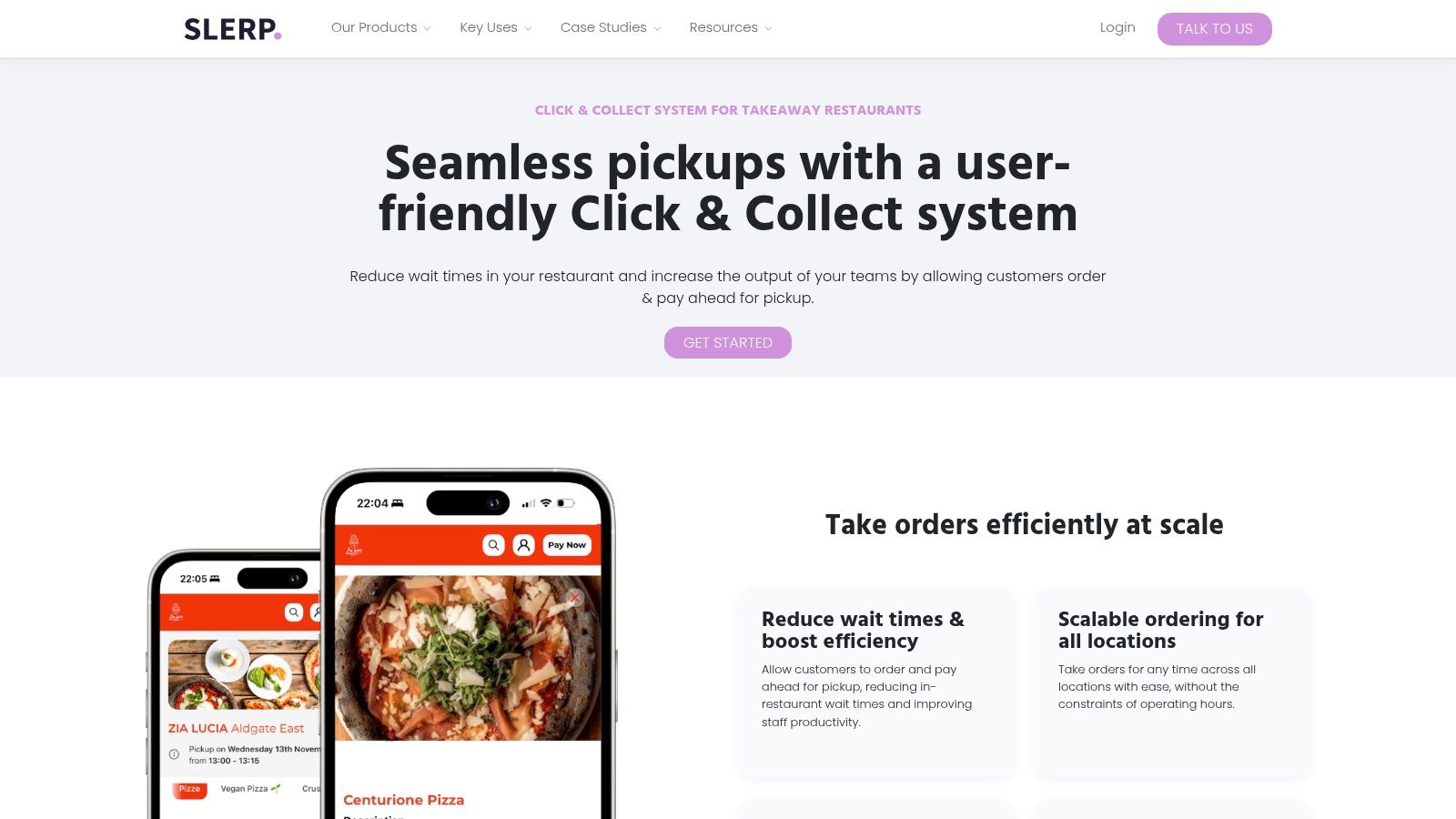
Slerp is a direct-ordering platform first. If your priority is branded click and collect, same-day delivery, future-dated ordering, and multi-site control, it's one of the more credible options in this list.
I'd shortlist it for restaurant groups that care about first-party digital sales and want tighter control over order slots, fulfilment rules, and repeat purchase channels. It also includes CRM and loyalty features, which can matter if your pre-order journey is part of a broader retention strategy.
What it does well
Slerp works best when the operational question is fulfilment capacity, not event administration. It handles timed slots, delivery workflows, and large catering-style pre-orders more naturally than a booking-led reservations tool.
That makes it useful for bakery groups, premium takeaway brands, and operators selling scheduled food outside the classic private dining model. It's less compelling if your team needs linked table plans, guest-level event seating, or service documents built around one group booking.
One thing I'd watch closely is allergen handling in large-order workflows. The UK gap isn't just collecting dietary notes. It's mapping them cleanly into kitchen-ready outputs and operational handoffs. If that's your pressure point, this article on collecting allergens automatically highlights the difference between merely storing notes and making them usable.
Verdict
Best for branded first-party ordering at scale, especially across multiple sites. Less suited to reservation-linked event pre-orders where seating and BEO-style paperwork matter.
4. Flipdish
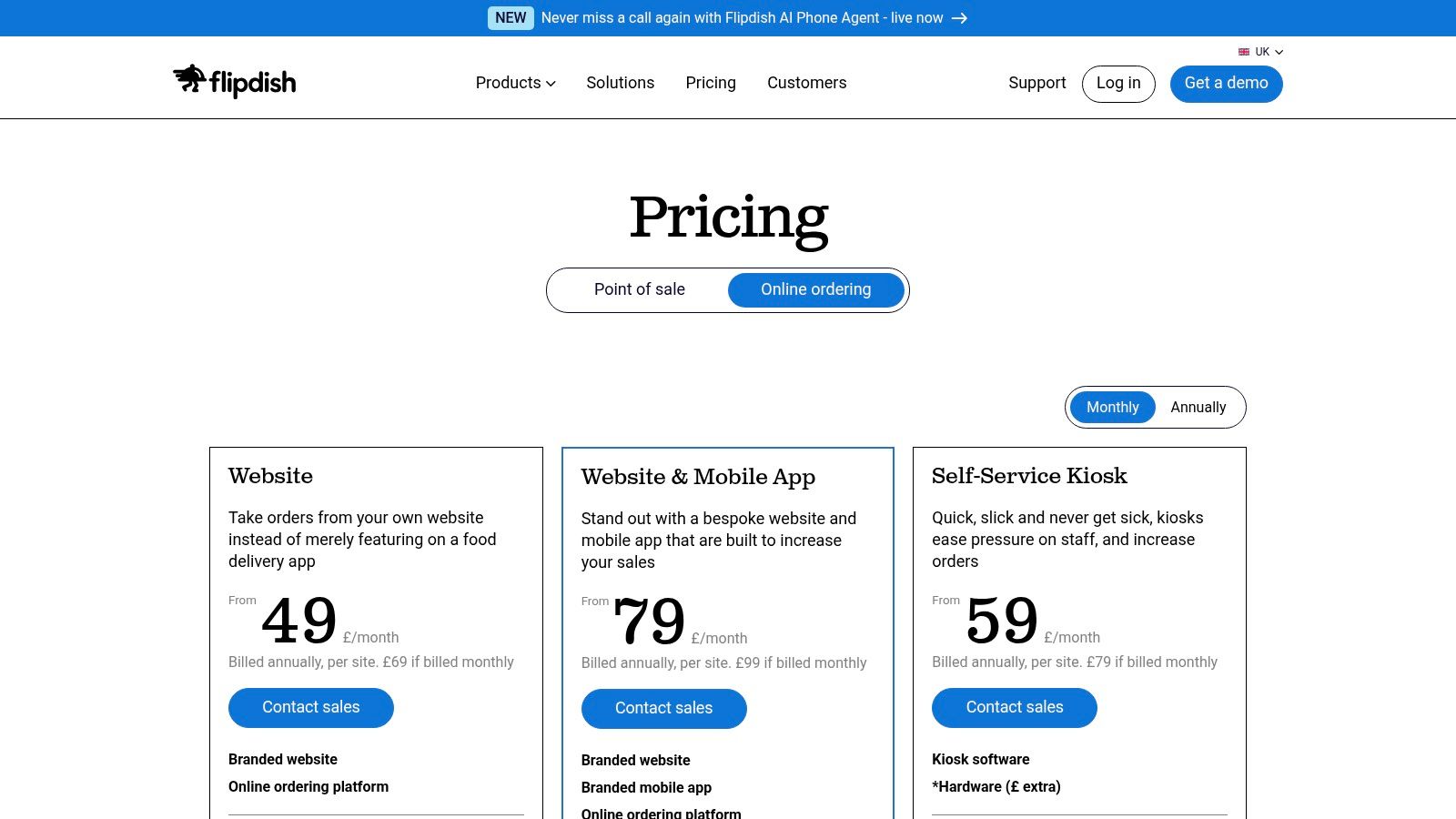
Flipdish is established, broad, and operationally straightforward. It offers white-label ordering via web and app, supports future-dated collection and delivery, and gives operators a mature direct-ordering stack with marketing tools wrapped around it.
For teams that want one vendor for branded ordering, customer communications, and pre-order windows by location, Flipdish is a sensible option. It's particularly practical for takeaway-heavy restaurants, chains, and fast-moving casual dining brands.
Best use case
Flipdish is useful when pre-ordering is primarily an ordering channel, not an event workflow. You can configure collection and delivery windows, queue future orders for kitchen prep, and keep the brand front and centre.
That's a very different job from running a wedding breakfast or a 200-cover corporate dinner. If you need table plans, place cards, named guest dietary reports, or integrated function paperwork, you'll likely need more than Flipdish alone.
A lot of operators discover this during seasonal peaks. Christmas parties and set-menu events expose every manual step in the process. That's where a dedicated event workflow becomes more valuable than a general ordering platform. This piece on streamlining Christmas dining with pre-orders and automation explains that operational gap well.
Verdict
Best for restaurants focused on branded collection and delivery pre-orders. Good direct ordering platform. Not the strongest fit for complex event-led service.
5. Yoello
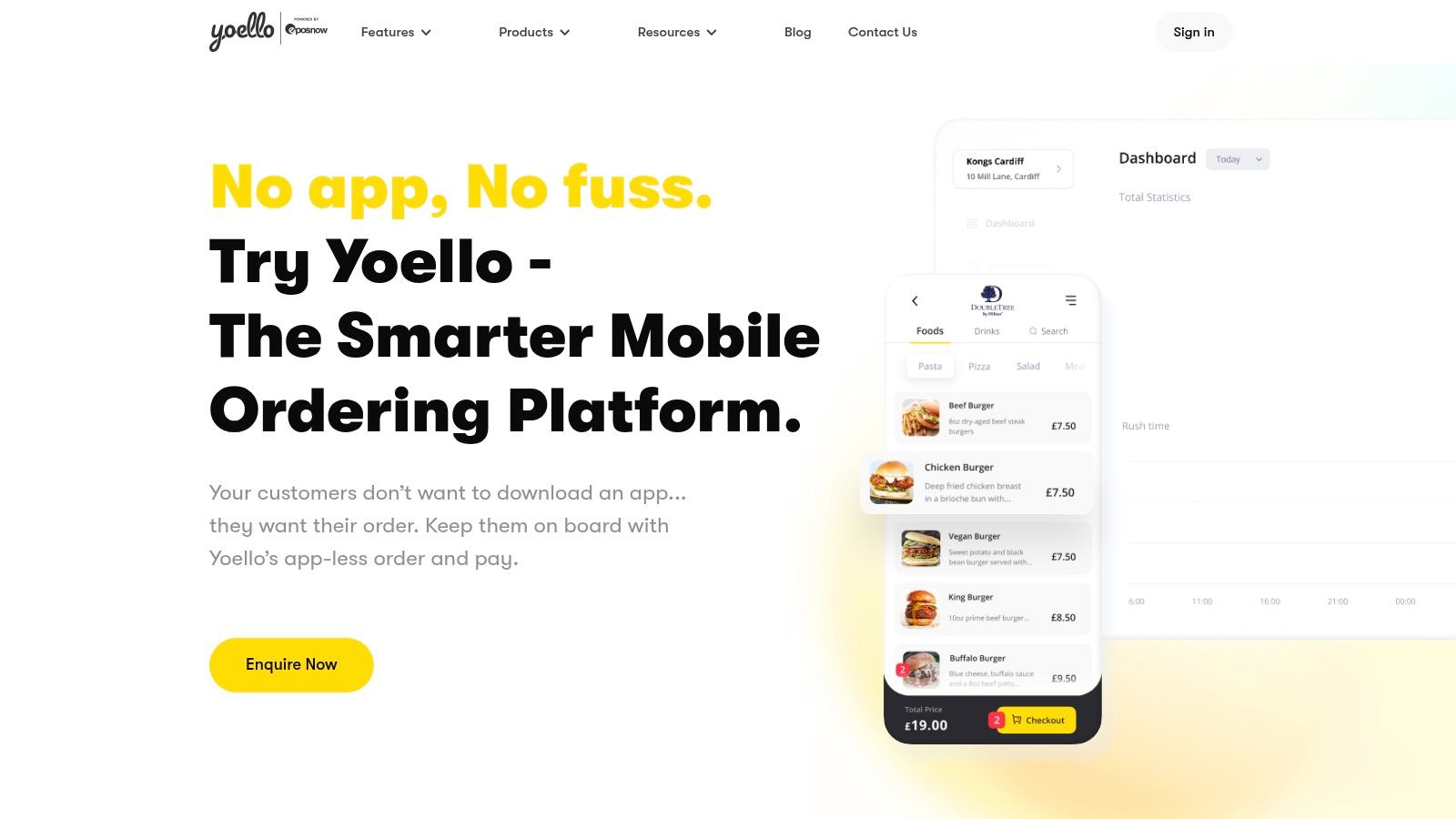
Yoello fits venues where fast mobile ordering matters more than detailed pre-event coordination. It is app-less, QR-led, and designed to keep ordering and payment quick for the guest.
That makes sense for pubs, casual dining groups, terraces, stadium hospitality, and busy mixed-service sites where staff need to reduce queueing and table-side delays. In those settings, lower ordering friction often matters more than collecting complex guest data weeks in advance.
Operational trade-off
Yoello works well for speed. It is less convincing once pre-orders become part of an event workflow.
That distinction matters. A Friday night terrace service and a 120-person private dinner create very different admin loads. Group and event dining usually needs named guest choices, allergy capture, course-level timing, seating logic, and BEO-style handover between sales, kitchen, and front of house. Yoello is not built as a specialist tool for that level of coordination.
Operators should assess it accordingly. If the brief is QR ordering, advance ordering by slot, and simple mobile payment, Yoello covers the job cleanly. If the brief is replacing spreadsheets for Christmas parties, corporate bookings, or large family events, you will likely need another system around it.
That is also where revenue strategy changes. Mobile ordering helps throughput. Structured pre-orders for events help venues sell upgrades, control menu mix, and tighten service planning. This guide to how pre-orders increase event revenue by 20-30% explains why event teams often outgrow lighter ordering tools.
Verdict
Best for mobile-first venues that want quick deployment and easy guest ordering. Weaker fit for restaurants that need a true pre-order management system for group bookings and event service.
6. Tock
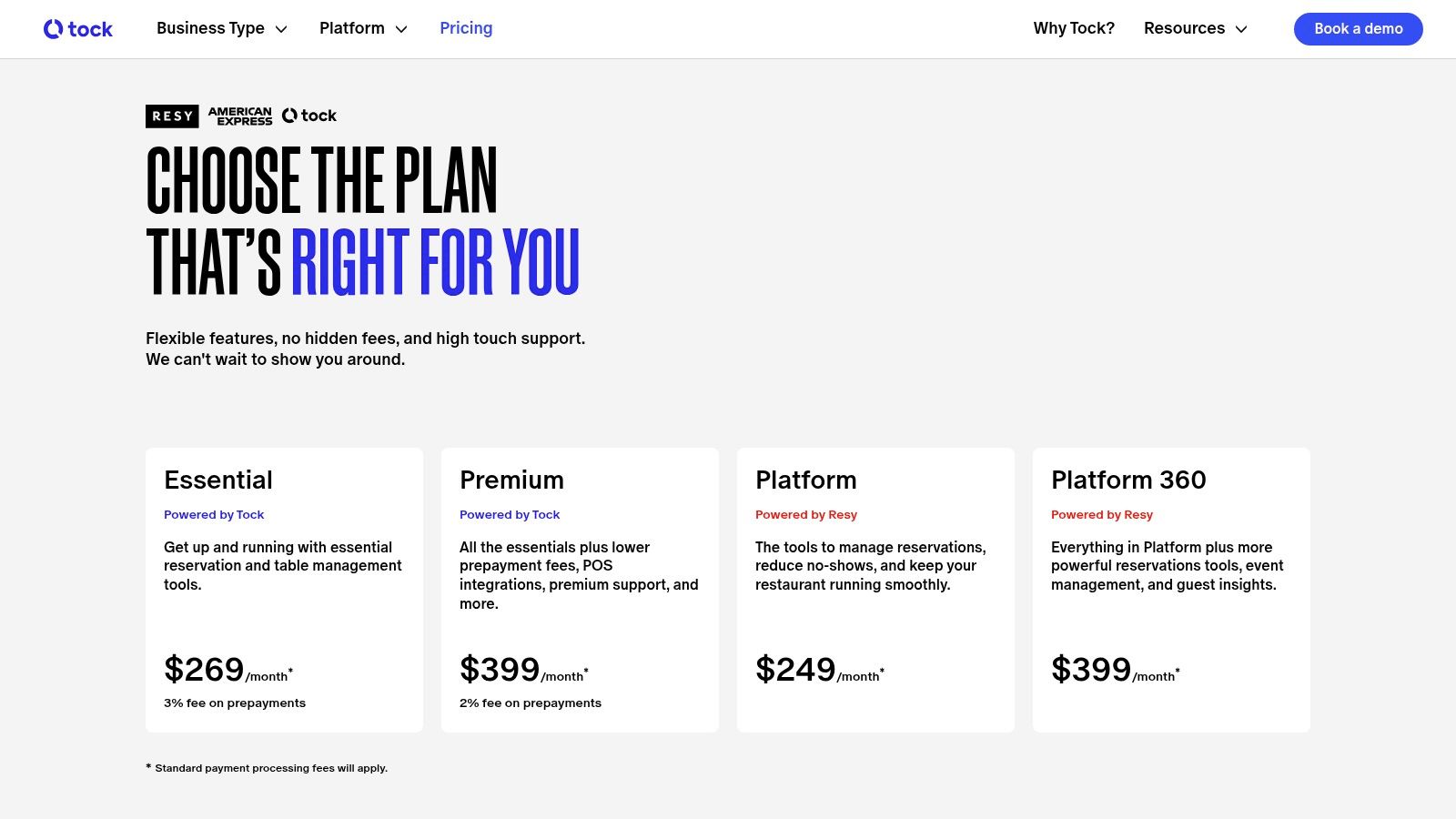
Tock is built to collect commitment at the point of booking. Reservations, deposits, prepaid experiences, and add-ons sit at the core of the product, which makes it a serious option for restaurants that sell events as packaged experiences rather than simple tables.
That model suits premium trading. Tasting menus, chef collaborations, holiday events, and ticketed dining all benefit when revenue is secured before service day. In those cases, reducing no-shows can matter more than giving every guest a long pre-order form.
Where Tock fits best
Tock works well when the booking itself is the product. An operator can sell a fixed experience, attach wine pairings or upgrades, and take payment upfront in one guest journey. For high-demand dates, that creates cleaner forecasting and stronger cash protection than a standard reservation flow.
I would shortlist it for venues where the commercial risk sits in cancellations, underfilled sittings, or premium inventory that must be sold in advance.
The trade-off shows up once group dining gets more operationally messy. Event teams often need one organiser to book, then dozens of guests to submit named menu choices later, with allergy capture, seating notes, and a clear handover into BEO-style function sheets. Tock can cover parts of that workflow, but it is not shaped primarily as a pre-order management system for complex group and event administration.
That difference matters in practice. A ticketed truffle dinner for 24 guests is one job. A 90-person corporate Christmas party with split starters, vegan counts, seat changes, and front-of-house briefing notes is another. Restaurants trying to move those larger events out of spreadsheets should test Tock carefully against the details that create service risk, not just the polish of the booking journey.
Verdict
Best for restaurants selling premium experiences, prepaid events, and deposit-led bookings. Less suited to venues that need structured guest-by-guest pre-orders, seating coordination, allergy tracking, and service paperwork for larger group dining.
7. QikServe incl. Preoday
Large operators often run several ordering models at once. A stadium concourse, hotel lounge, kiosk bank, and click-and-collect offer all create different operational demands. QikServe, including Preoday, is built for that level of complexity.
The appeal is scale and channel control. Web ordering, mobile, kiosks, table ordering, and payments can sit under one platform, which matters for contract caterers, travel hubs, and multi-site groups trying to standardise service without forcing every site into the same trading pattern. Capacity controls and timed ordering also help sites smooth production across busy dayparts.
For operators comparing systems specifically for pre-order management, the main question is fit. QikServe makes sense when pre-orders are one part of a wider digital ordering estate. It is less clearly shaped around the detailed group and event workflows that drive risk in function business, such as guest-by-guest allergens, named seat-level choices, organiser follow-ups, and BEO-style handover into service.
That trade-off matters. A venue replacing paper chits and fragmented order channels across 40 sites has one problem. A restaurant events team trying to get 80 delegates off spreadsheets and into a structured pre-order, seating, and briefing workflow has another.
I would shortlist QikServe for enterprise hospitality businesses where ordering volume, channel mix, and integration matter more than event administration depth. For standalone restaurants or venues focused mainly on group dining and private events, it can be more system, cost, and implementation effort than the operation needs.
Verdict
Best for enterprise operators that need digital ordering across multiple channels, formats, and locations. Less suited to venues whose main priority is structured event pre-orders, allergy capture, seating coordination, and service paperwork for larger group dining.
Top 7 Restaurant Pre-Order Systems Comparison
| Solution | Implementation complexity 🔄 | Resource requirements ⚡ | Expected outcomes 📊 | Ideal use cases 💡 | Key advantages ⭐ |
|---|---|---|---|---|---|
| Creventa | Medium–High, integration and onboarding for PMS/EPOS | Moderate, training, integrations (Delphi/Opera/iVvy), change management | 📊 Revenue uplift (~251% wet‑spend); ~20% less food waste; planning time ↓ up to 70% | Hotels, large venues, multi‑site events (10–1,100+ guests) | ⭐ Hospitality‑first all‑in‑one: allergen tracking, PCI payments, white‑label, proven metrics |
| ResDiary | Medium, pre‑orders as an add‑on, config with bookings | Low–Medium, account setup and staff training; add‑on costs | 📊 Better booking‑to‑preorder capture; kitchen reports and place cards streamline service | UK restaurants and pub groups needing reservations + pre‑orders | ⭐ Single provider for bookings+pre‑orders; strong UK compliance fit |
| Slerp | Medium, branded web/app work and scheduling setup | Medium–High, app development, CRM/loyalty and catering manager setup | 📊 First‑party ordering scale, scheduled pre‑orders and repeat visits | Multi‑site restaurants, catering operations, timed click‑and‑collect | ⭐ Branded apps, CRM/loyalty, catering tools for large orders |
| Flipdish | Medium, vendor onboarding and configuration per location | Medium, marketing automation, kiosks and location settings | 📊 Mature direct‑ordering with marketing uplift and reliable support | Takeaway/delivery operators wanting white‑label apps/kiosks | ⭐ Established UK stack; kiosks + marketing + clear docs |
| Yoello | Low, QR, app‑less deployment; fast to enable | Low, minimal IT, POS integration documented (e.g., Epos Now) | 📊 Frictionless mobile orders and prepayments; faster guest transactions | Pubs, quick‑service sites, events needing lightweight order‑and‑pay | ⭐ App‑less QR UX; FCA‑authorised payments; quick rollout |
| Tock | Medium, payment flows and experience configuration | Medium, setup for prepaid/deposits and seating management | 📊 Reduces no‑shows; supports prepaid experiences and add‑ons | Restaurants with tasting menus, prepaid events, timed seatings | ⭐ Prepaid/deposit support tied to reservations; integrated floor plans |
| QikServe (incl. Preoday) | High, enterprise customisation and POS integrations | High, significant IT, multi‑channel configuration and support | 📊 Scalable multi‑channel ordering with enterprise reliability | Large multi‑site groups, travel/venue brands, kiosk‑heavy environments | ⭐ Enterprise‑grade platform: web/mobile/kiosk/table channels, advanced time slots |
How to Choose the Right Pre-Order System for Your Venue
Large group bookings fail in small ways first. One missing allergy note, one last-minute table move, or one outdated menu sheet is usually enough to create service risk, guest complaints, and avoidable pressure on the kitchen.
That is why the buying decision should be framed around operational control, not feature count. For venues handling private dining, Christmas parties, corporate events, weddings, or high-volume group reservations, the question is simple. Can the system replace spreadsheets, email chains, and manual rekeying with one reliable source of truth for events, seating, food choices, and service documents?
Start with allergen handling. A system should capture guest-level dietary information clearly, keep it attached to the booking, and present it in a format chefs, event managers, and front of house can act on quickly. If your team still has to cross-check allergies manually from scattered notes before service, the process is still carrying too much risk.
Then test the workflow against a real event, not a polished demo.
- Allergen and compliance workflow: Can it record dietary details per guest and turn them into kitchen-ready reports?
- Guest self-service: Can organisers or guests submit choices on mobile without your team chasing spreadsheets and forms?
- Brand control: Does the ordering experience reflect your venue and event standards?
- Operational reporting: Can it produce place cards, function sheets, kitchen summaries, and BEO-style outputs without rebuilding everything by hand?
- Seating connection: Do table plans and guest choices stay linked when covers move?
- System integration: Will it connect with your reservation, PMS, or event stack, such as Opera, Delphi, or RezLynx, and remove double entry?
I also pressure-test change management. Ask the supplier what happens when a 150-person booking updates menu selections the night before, adds several allergens, changes seating, and needs revised reports within minutes. Weak systems usually cope well with clean data at the point of sale. They struggle when real event operations get messy.
Guest communication matters too, especially if you want to chase missing choices, confirm deadlines, or drive repeat visits after the event. This guide on SMS marketing for restaurants is a useful companion to the software decision.
A strong pre-order platform should help sales, events, kitchen, and service teams work from the same live record.
If your venue runs events, private dining, group bookings, or high-volume hospitality, Creventa is worth shortlisting early. It is particularly relevant where menu choices, allergens, seating, payments, and branded guest communication need to stay connected in one operational process.